
Clusters & sync premium
A single-node clinical data store is a single point of failure. When it's unavailable, clinicians can't access records. When it's overloaded under query traffic, write performance degrades. Clustering fixes both.
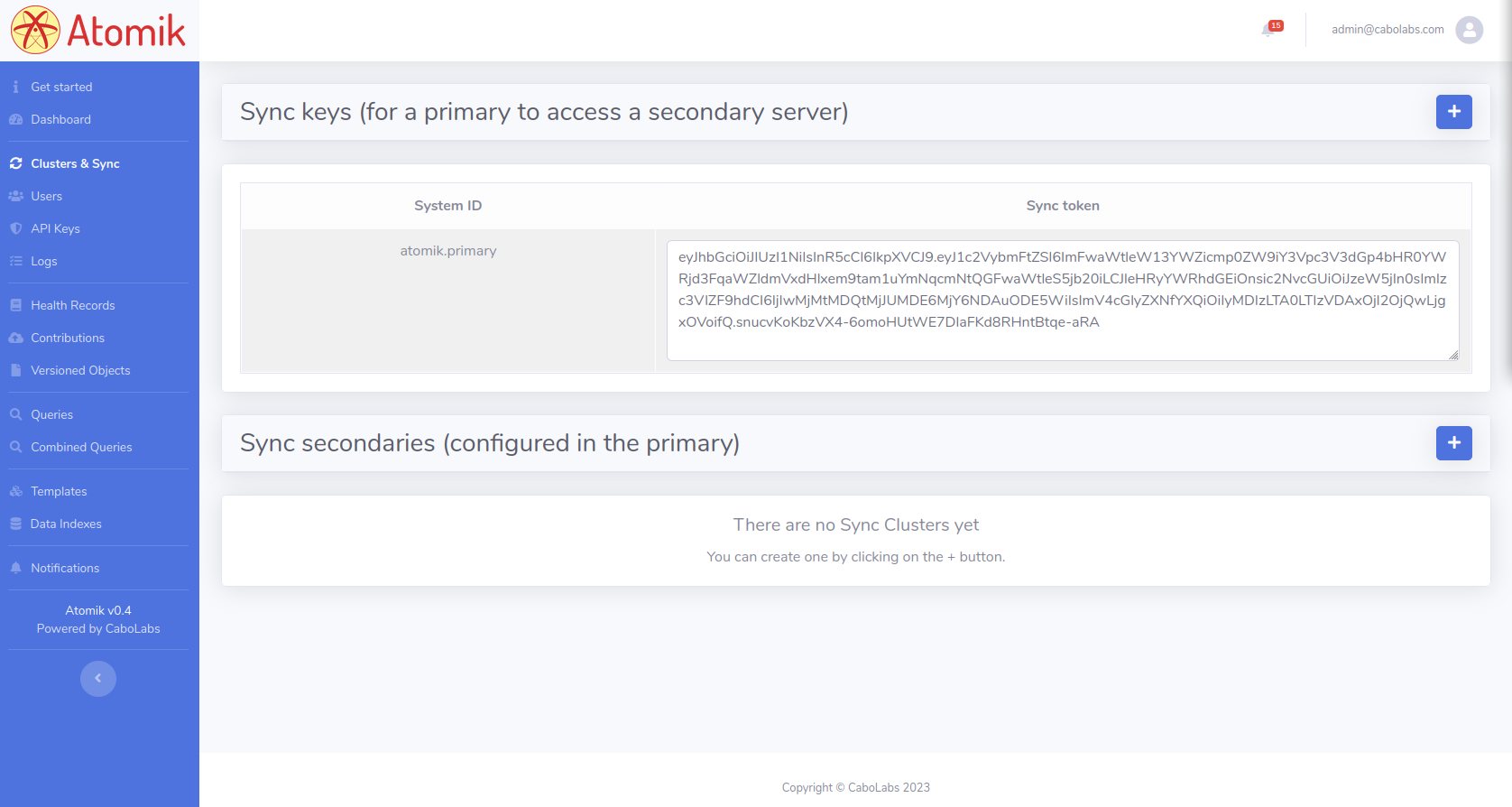
This section allows you to configure the current server as a primary or secondary in an Atomik Cluster. The primary receives commits and queries from clients, and synchronizes committed data to secondary instances. Secondaries receive data only from the primary and can serve read queries from clients — distributing query load and providing failover coverage.
Primary and Secondary servers
So Atomik clustering follows a "write to one, read from many" approach, where the read could be load balanced. THough new topologies could be explored, for instance clusters many primaries and secondaries, or even symmetric clusters (all can receive writes, queries and can sync with the rest).
To define an Atomik instance as a secondary, you only need to generate the Sync API Key that will be configured in the primary to grant access to the Sync API of that secondary. The Sync API Key is actually an API Access Token.
To define an Atomik instance as the primary, you need to create the configurations for all the secondaries the primary will sync data to. That configuration includes setting mainly the IP address, port number and Sync API Key of each secondary.